Before
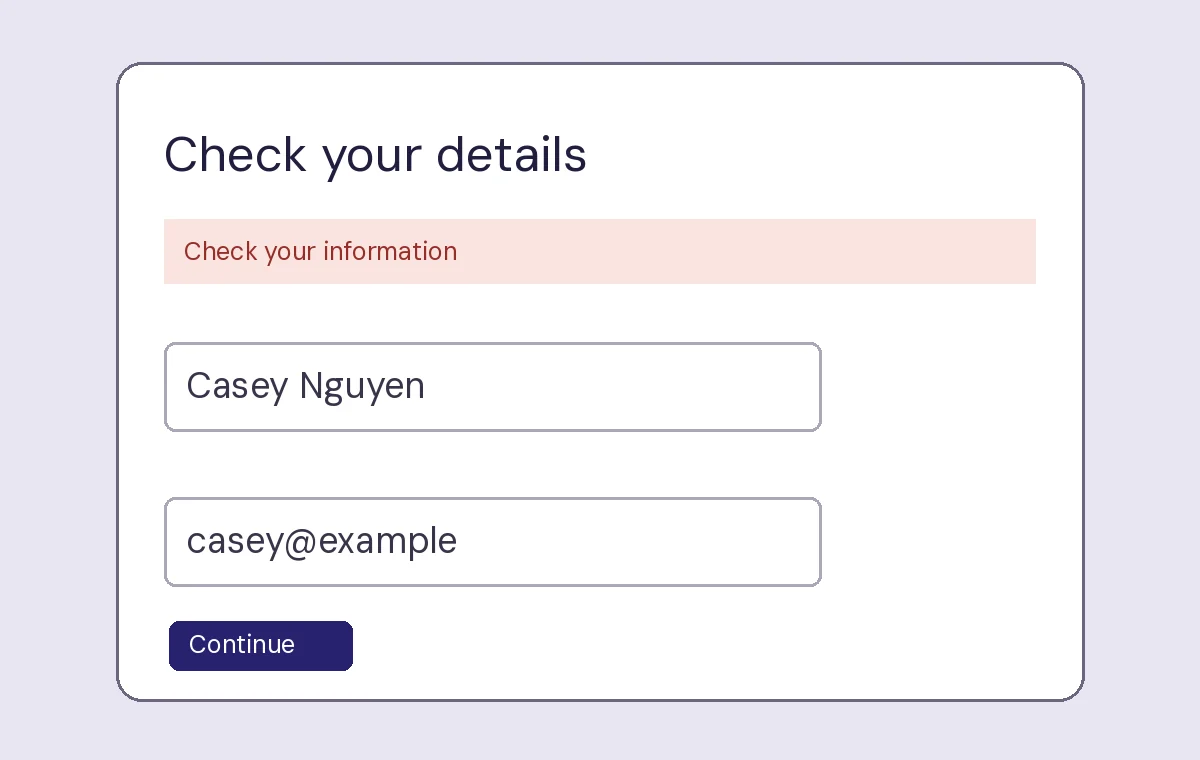
“Check your information” asks the reader to inspect several values at once. The email field has the same visual weight as the name field, so neither the location nor nature of the problem is obvious from the message.
Both concepts contain the same fictional values. The first view leaves the issue at the top of the panel. The second puts the correction next to the field a reader needs to edit.
“Check your information” asks the reader to inspect several values at once. The email field has the same visual weight as the name field, so neither the location nor nature of the problem is obvious from the message.
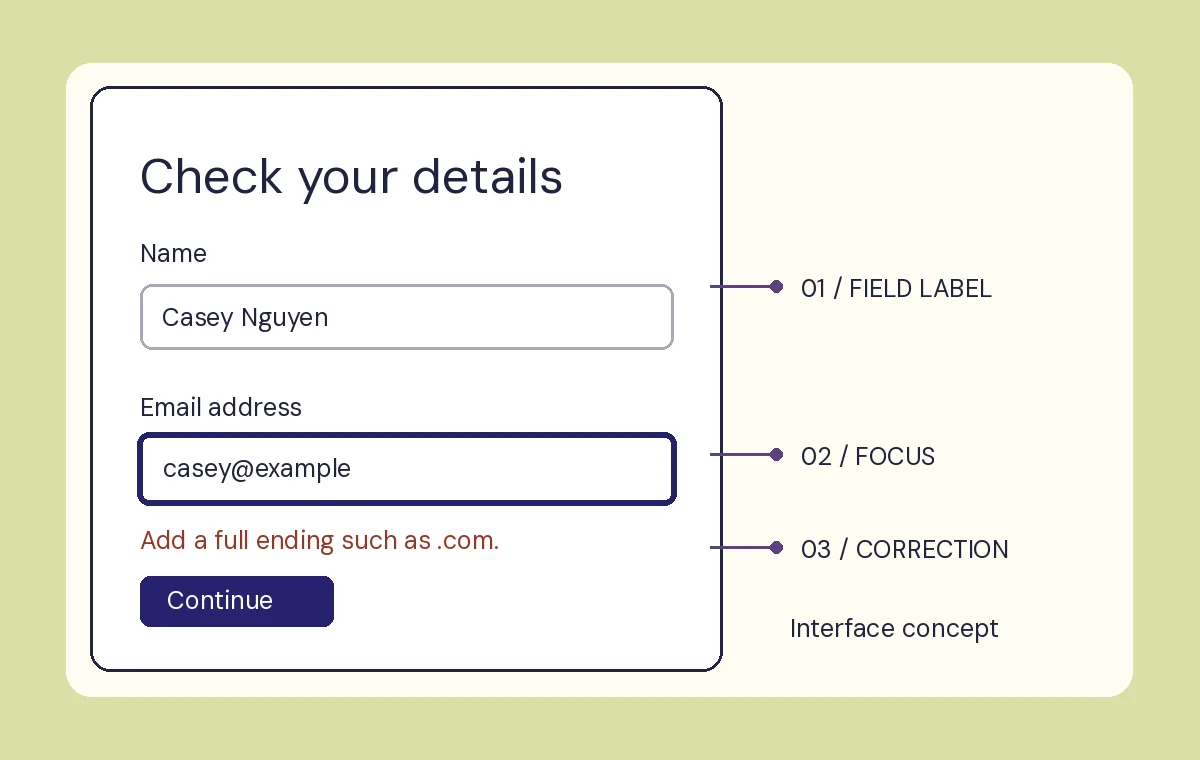
The visible outline marks the active field. A short correction below the value describes what to add. The other value stays where it was.
Both images are fictional, static interface concepts.
Prepare study feedback